May 20, 2026 • 8 min read· Updated May 20, 2026
How to Build Internal AI Automation Pipeline
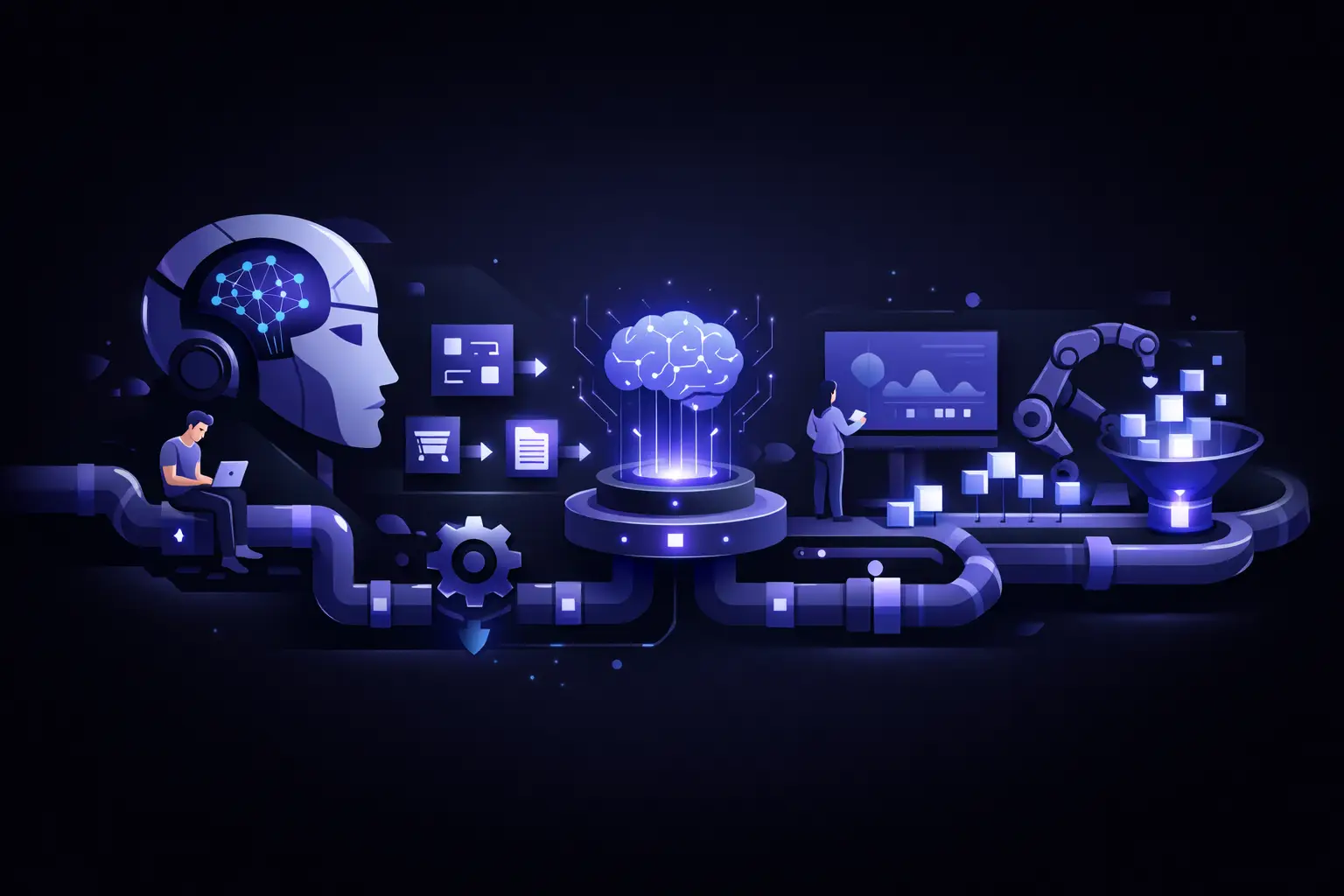
The fastest way to waste time with AI is to automate the wrong work, wire it together badly, and call the result a platform. Founders do this all the time. A few prompts become scripts, a few scripts become cron jobs, and suddenly the team is relying on brittle automations nobody wants to own. If you want to build internal AI automation pipeline systems that actually hold up, you need to treat them like production software from day one.
This is not about chasing novelty. It is about removing repetitive internal work, speeding up decisions, and giving your team leverage without creating hidden operational risk. The companies that get value from AI internally are usually not the ones with the flashiest demos. They are the ones that picked a narrow business problem, defined clear inputs and outputs, and built the boring plumbing around it.
What an internal AI automation pipeline actually is
An internal AI automation pipeline is a repeatable system that takes company data or events, runs them through logic and AI models, and returns an action, recommendation, or artifact your team can use. That might mean triaging support tickets, summarizing sales calls, enriching CRM records, routing inbound leads, drafting QA reports, or flagging fraud patterns for review.
The key word is pipeline. A useful internal AI system is rarely just a model call. It usually includes event triggers, data retrieval, validation, prompt construction, model execution, output checks, human review rules, logging, and retries. If you skip those layers, you do not have automation. You have a demo with a short half-life.
Start with process pain, not model capability
Most teams start backwards. They ask what AI can do, then go looking for places to use it. That creates a pile of disconnected experiments and very little operating leverage.
A better starting point is process pain. Look for internal workflows that are frequent, expensive, and annoying, where the output quality matters but does not require perfect precision every time. Support operations, sales ops, recruiting coordination, document handling, compliance prep, and internal reporting are common candidates.
The best early use cases usually share three traits. First, there is already a defined workflow, even if it is manual. Second, the inputs are accessible and fairly consistent. Third, a bad output is recoverable. You do not want your first pipeline making irreversible decisions in finance, security, or legal operations unless there is strong human review built in.
How to build internal AI automation pipeline architecture that lasts
The architecture should match the business risk, not just engineering preference. A startup can move fast here, but moving fast does not mean piling logic into a single script.
At a minimum, separate the pipeline into stages. You want ingestion, processing, AI orchestration, validation, and delivery to be distinct enough that you can inspect failures without guessing. If your support ticket classifier starts failing, you should know whether the issue came from bad source data, bad prompt assembly, model drift, timeout behavior, or an integration downstream.
Use an event-driven approach when possible. A ticket is created, a call recording is uploaded, a sales form is submitted, or a new document lands in storage. That event triggers the pipeline. Scheduled jobs still have their place, especially for reporting or batch cleanup, but event-based flows tend to be easier to reason about in operational systems.
You also need a clean contract between your AI layer and the rest of the system. Do not let raw natural language output leak into critical business logic unchecked. Force structure where possible. Use schemas, confidence thresholds, allowed value sets, and explicit fallback behavior. If the model returns something invalid, route it to human review or a safe default path.
The core components you should not skip
The model is the least interesting part once the system is live. The infrastructure around it determines whether the pipeline is useful next week, not just impressive today.
You need source-of-truth data access that is stable and permissioned correctly. You need prompt templates or orchestration logic under version control. You need observability, including inputs, outputs, latency, failure rates, and review outcomes. You need retry rules that avoid duplicate actions. You need auditability if the pipeline touches customer-facing or regulated processes.
Human-in-the-loop controls matter more than most teams expect. The goal is not to keep people in every step forever. The goal is to use human review deliberately while the system earns trust. For example, send only low-confidence outputs to review, or sample a percentage of accepted outputs for QA. Over time, you can narrow the review surface based on actual performance rather than optimism.
Data quality will make or break the system
Founders often think the main problem is choosing the right model. In practice, messy internal data is what slows everything down.
If your CRM is inconsistent, your support tags are chaotic, your file naming is random, and your internal documentation is stale, your AI pipeline will inherit that mess. A model can compensate for some disorder, but not indefinitely. Bad inputs create unstable outputs, and unstable outputs kill trust fast.
Before you automate, clean up the minimum viable layer of data needed for the use case. Standardize fields. Remove duplicate records. Define the source systems. Make sure the pipeline knows which data is authoritative. You do not need a massive data overhaul, but you do need enough structure that the automation is not guessing what the business means.
Security and access controls are not optional
If you are pushing internal company data through AI services, security needs to be designed in, not patched on later. This matters even more when the pipeline touches customer records, financial workflows, health data, or internal strategy material.
Start by limiting what data enters the pipeline. Redact where possible. Scope access tightly. Keep secrets and credentials managed properly. Log who triggered what and when. Know which model providers and infrastructure layers are processing your data, and make sure that matches your internal risk tolerance and compliance requirements.
It also helps to classify internal AI automations by risk level. A system drafting internal meeting notes does not need the same controls as one generating account recommendations inside a customer success workflow. Treat them differently.
Measure business outcomes, not just model outputs
A surprisingly common mistake is reporting AI success through technical metrics alone. Accuracy, token usage, and latency matter, but they are not the final scoreboard.
If you are serious about internal automation, measure business impact. Did ticket handling time drop? Did lead routing speed improve? Did ops headcount get more leverage without service quality slipping? Did review burden go down after model improvements? Did teams adopt the workflow or avoid it?
This is where many internal AI projects quietly fail. The prototype works, but nobody changed the process around it, so the business gets little value. Good pipelines are tied to operating metrics from the start.
Build smaller than you want, then harden aggressively
The smartest first version is usually narrower than the team expects. One workflow. One department. One trigger. One output format. That constraint is a strength.
A smaller scope makes it easier to test edge cases, define escalation paths, and learn what the real failure modes are. Once the system is stable, expand inputs, add downstream integrations, or increase automation depth.
This is especially true if your team does not have senior engineering oversight on AI systems yet. A narrow pipeline with proper validation beats a sprawling internal agent that can touch everything and explain nothing.
When to custom-build versus use existing tooling
It depends on the workflow, the compliance risk, and how central the automation is to operations. Off-the-shelf workflow tools are fine for early experiments and low-risk use cases. They help teams move quickly and prove whether the process is worth automating.
But once the pipeline becomes operationally important, custom engineering often makes more sense. You get tighter control over data flow, better observability, cleaner permissions, more reliable testing, and less pain when the workflow inevitably changes. For startups and growth-stage teams, that shift usually happens sooner than expected.
If the automation saves a few hours a month, keep it lightweight. If it becomes part of how the company runs, build it like infrastructure.
The real goal is trust
Teams do not adopt internal AI because leadership said they should. They adopt it when the system is fast, understandable, and wrong in predictable ways. That last part matters. People can work with a system that has known limits. They will avoid one that fails randomly and leaves no trail.
So if you are going to build internal AI automation pipeline capability inside your company, do not start by asking how advanced the automation can be. Ask what your team needs to trust it enough to use it every day. That question leads to better architecture, better rollout decisions, and better outcomes.
If you get that right, AI stops being a side experiment and starts becoming part of how the business actually executes.

About the author
Usama Moin
Technical Consultant & Product Builder
Usama Moin has 11+ years of experience building revenue-focused web, mobile, and AI products for startups and scale-ups. He works hands-on across product strategy, full-stack engineering, React Native, and production AI systems.